








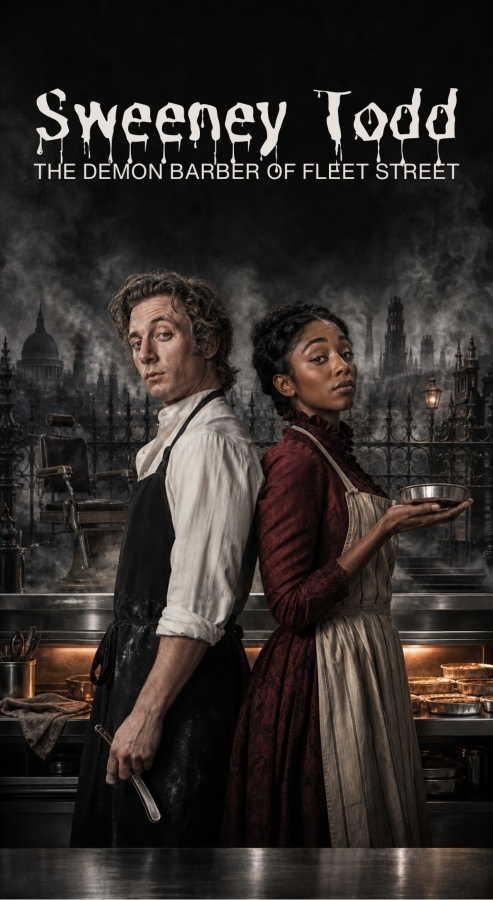
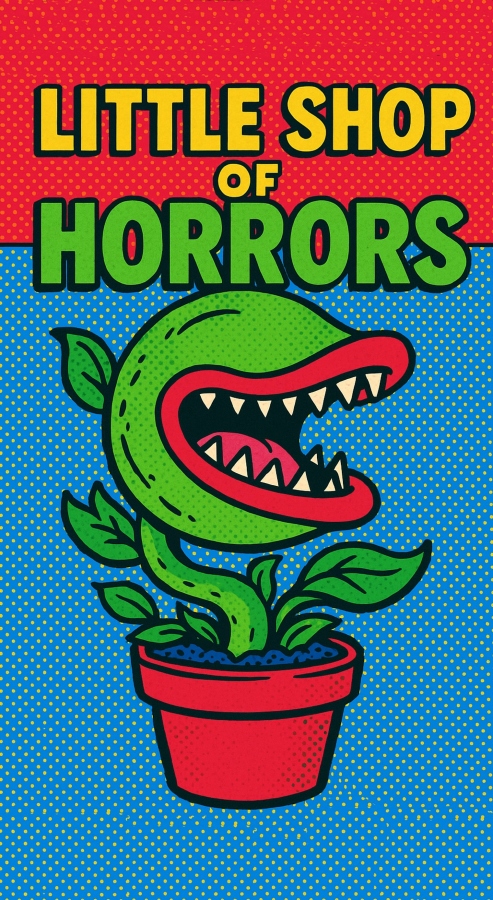


Marquee Builder, to begin constructing your first Marquee.
Marquee Database, where you can edit previously created items and create new items like Ads(for Marquee Pro users).
You may still use the auto-generated QR codes for any Marquee, found in their respective dropdown menus above.



After a moment, refresh the dashboard to see if it's ready to go!
After a moment, refresh the dashboard to see if it's ready to go!
After a moment, refresh the dashboard to see if it's ready to go!
After a moment, refresh the dashboard to see if it's ready to go!
After a moment, refresh the dashboard to see if it's ready to go!
After a moment, refresh the dashboard to see if it's ready to go!
Need to set a specific order to your Creative Team for your Marquee? Scroll down to Creative Team submission panel and select Set Order. You can then choose the order of the bios. The default order is alphabetical by last name.


Frodo Baggins
Frodo is honored to be returning to the stage after a long hiatus from adventure. Best known for his extensive travels through Mordor, he brings a gentle sincerity and deep emotional truth to every role he takes on. When not acting, Frodo tends to his garden in the Shire and insists all plants “behave themselves.”

Durin's Bane
The Balrog makes his musical theatre debut with this production and would like to thank the company for their courage. Known primarily for his underground work, he hopes to broaden his reputation beyond fire and terror. He dedicates this performance to his former coworkers deep in the Mines of Moria.
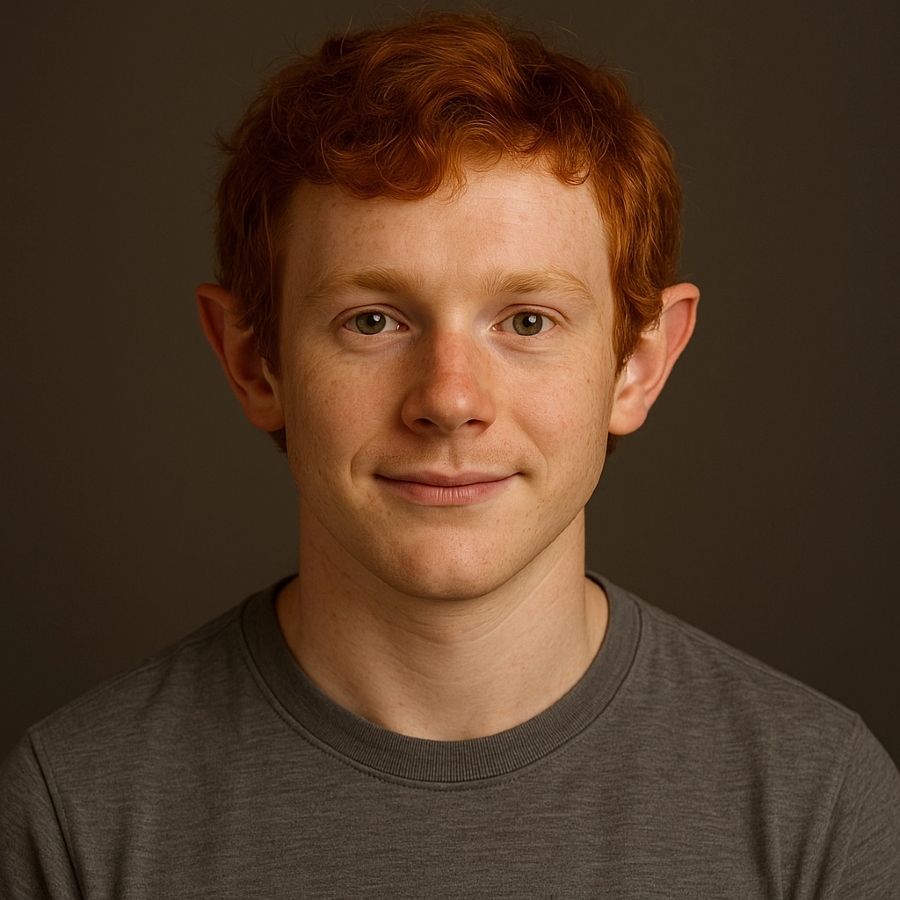
Merry Brandybuck
Merry is overjoyed to return to performing after his acclaimed turn in The Return of the King (A Musical Retelling). A natural performer with a gift for harmony, he enjoys collaborating closely with his longtime friend Pippin. Offstage, Merry enjoys pipe music, community events, and second dinners.

Treebeard Fangorn
Treebeard, one of the oldest living beings in Middle-earth, brings centuries of slow thought and deep-rooted presence to the role of Audrey II. Though not typically inclined toward musical theatre, he was persuaded by the promise of “a rather interesting little plant.” His performance grows steadily throughout the show—so do keep an eye on him.

Samwise Gamgee
Sam is thrilled to return to the stage alongside his dear friend Frodo. A passionate supporter of community theatre, he believes storytelling should always come “with a good meal after.” When not performing, Sam can be found cooking, gardening, or offering motivational advice to his castmates.

Gandalf the Grey
A veteran of both the stage and several ages of Middle-earth, Gandalf brings decades of experience to every production. His past directing credits include The Fellowship of the Stage and A Wizard’s Guide to Lighting Effects. When not performing, he lectures on “The Magic of Stagecraft” at community colleges across the realm.

Pippin Took
Pippin is delighted to be part of this ensemble and would like to thank everyone who told him “maybe not that high note.” His stage experience includes several comedic roles in The Shire Players’ Annual Pie Festival. He is currently writing a one-hobbit show about his experiences in Gondor.
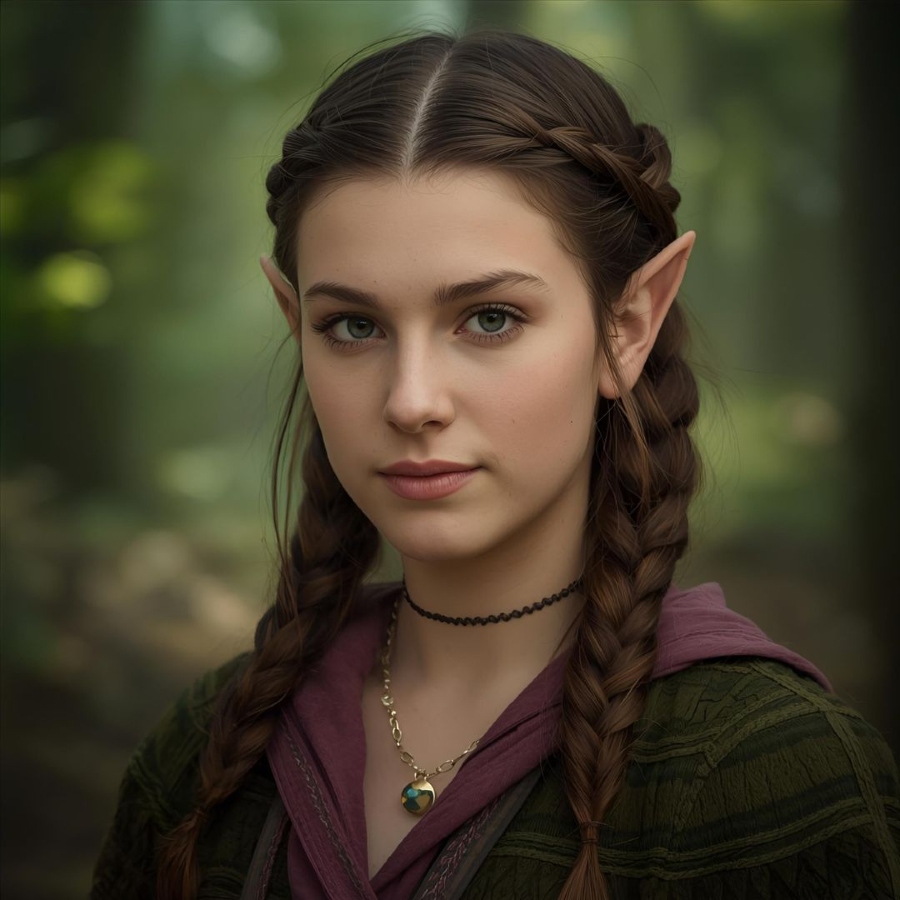
Arwen Undómiel
Arwen is delighted to trade elven ballads for the bright lights of Skid Row. Trained in the halls of Rivendell, she is known for her poise, rich vocals, and unshakable grace under pressure. Offstage, she enjoys stargazing, embroidery, and spending time with her mortal husband.

Sydney Adamu
Sydney is a chef, restaurateur, and first-time Calder company member. Her previous projects include Sheridan Road, an independent catering venture and the ongoing experiment known as The Bear. She is thrilled to explore Mrs. Lovett’s entrepreneurial instincts, if not her sourcing practices. For Dad.

Carmen Berzatto
Carmy makes his Calder Theatre debut in Sweeney Todd. A Chicago native, he trained in some of the world’s most exacting kitchens before returning home to open his renowned restaurant, The Bear. He brings discipline, intensity and an uncomfortable familiarity with sharp instruments to the role. Carmy dedicates this performance to Michael.

Jess Brennan
Jess makes her Calder debut as Johanna. A hospitality professional known for her calm under pressure, she has spent most of her career making complicated rooms run smoothly without calling attention to herself. She thanks the company for giving Johanna equal measures of hope, intelligence and agency.
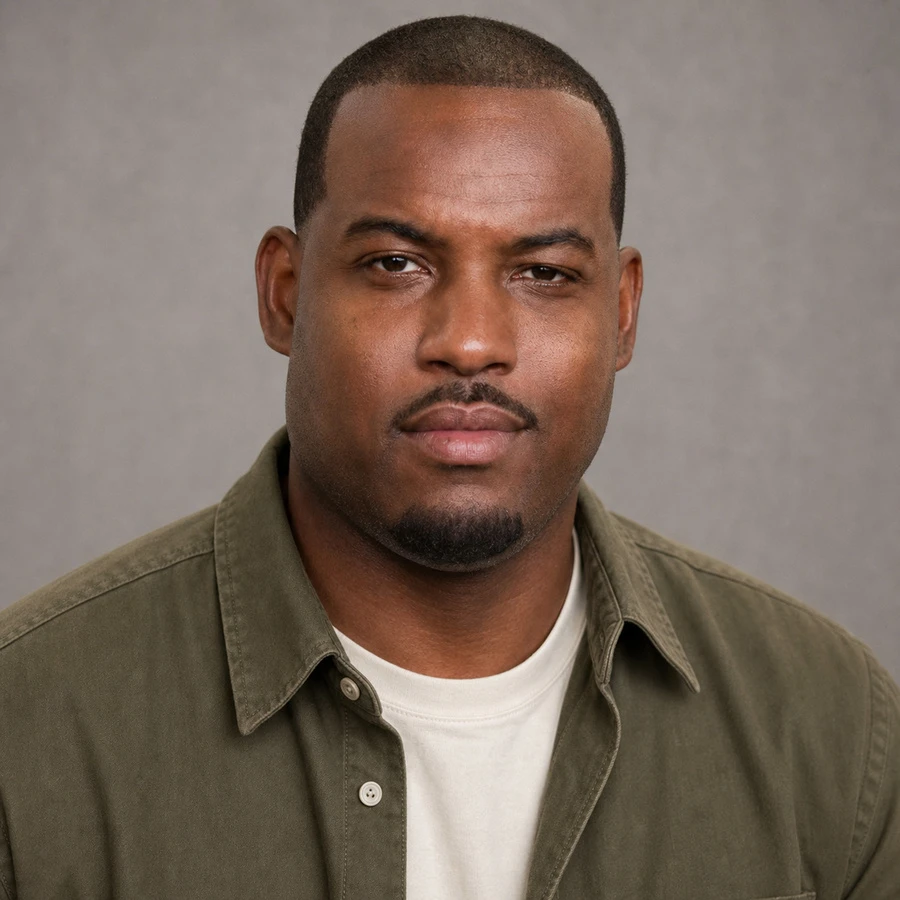
Marcus Brooks
Marcus is a pastry chef and lifelong student of beautiful, difficult things. His work has taken him from Chicago to Copenhagen and back again. He finds in Tobias a familiar mixture of loyalty, curiosity and quiet courage. He dedicates his performance to his mother.

Claire Dunlap
Claire is an emergency physician and Chicago native. She returns to the stage after appearances in school productions and one memorable talent-show duet. She is grateful to the company for its care, humor and remarkable ability to remain calm while everything is on fire.
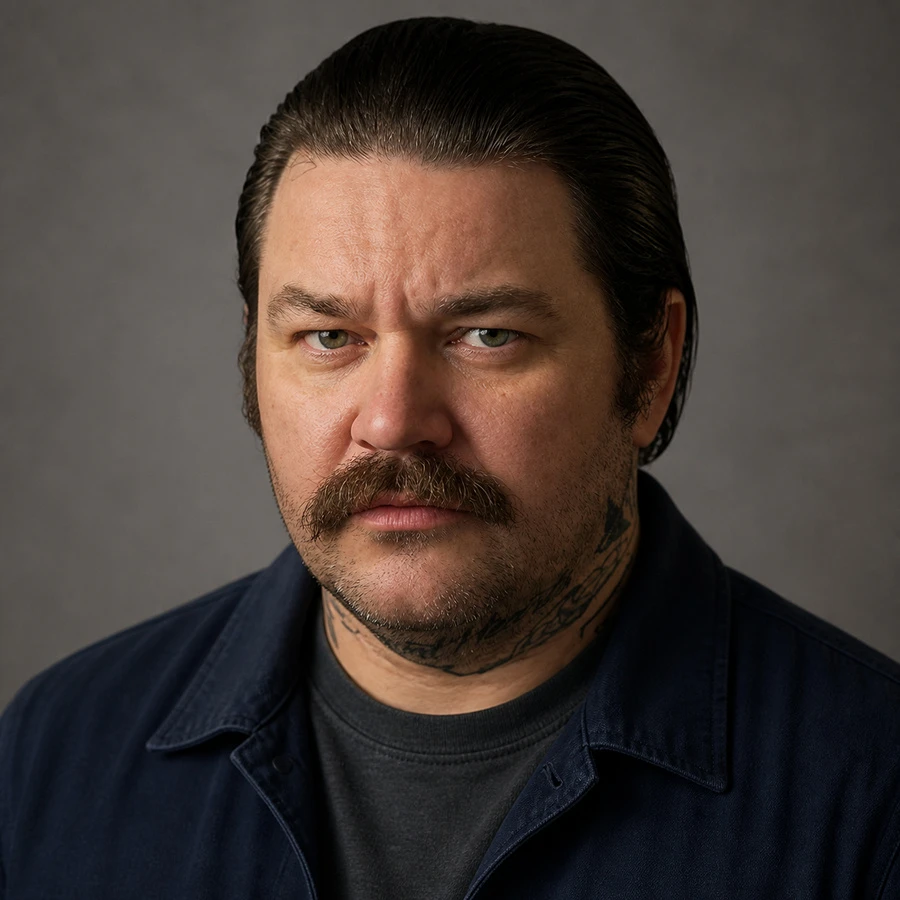
Neil Fak
Neil is a repairman, performer, collector of useful information and friend of the Berzatto family. His theatrical experience includes parties, magic, improvised speeches and several events he was not technically invited to attend. He thanks Ted Fak and every member of the Fak family except Francie.

Richard Jerimovich
Richie is the maître d’ of The Bear and an enthusiastic student of hospitality, standards and correct fork placement. His previous performance experience is extensive, mostly involuntary and rarely ticketed. He approaches Jonas Fogg as a man who mistakes control for order. He dedicates this performance to Eva.
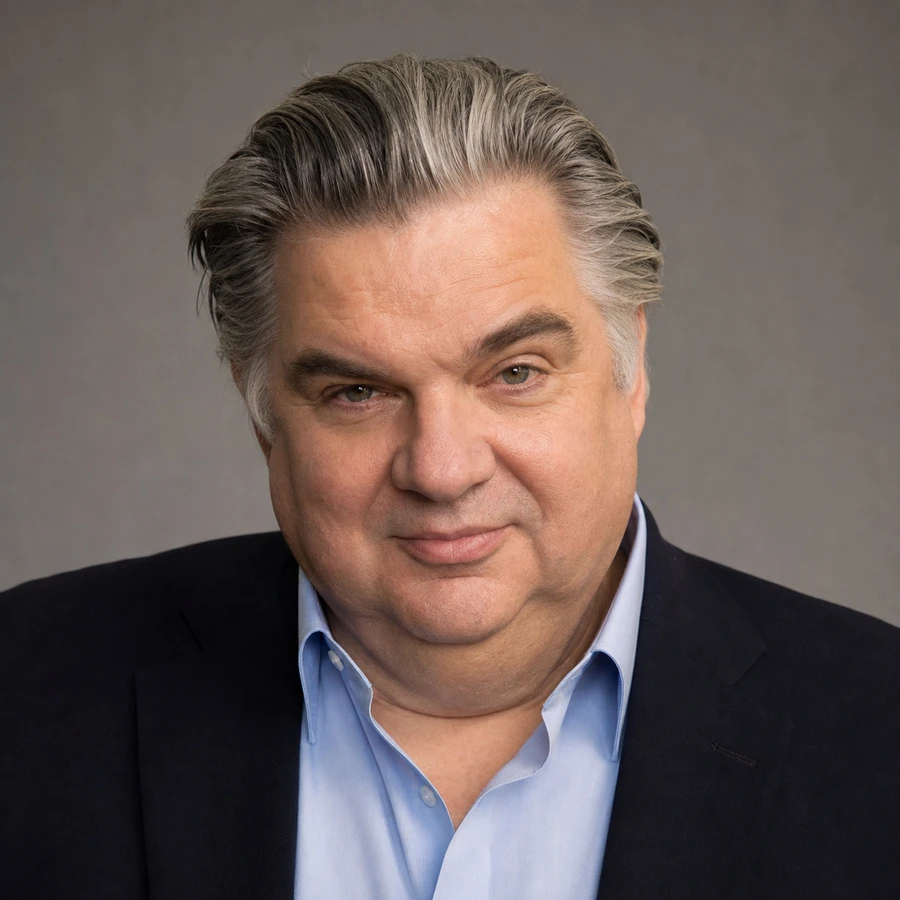
James 'Cicero' Kalinowski
Cicero is an investor, civic enthusiast, and longtime supporter of ambitious ventures with incomplete business plans. Sweeney Todd marks his first stage appearance since a grade-school production he declines to name. He thanks the Calder for the excellent seats and expects everyone to honor the terms of their agreements.
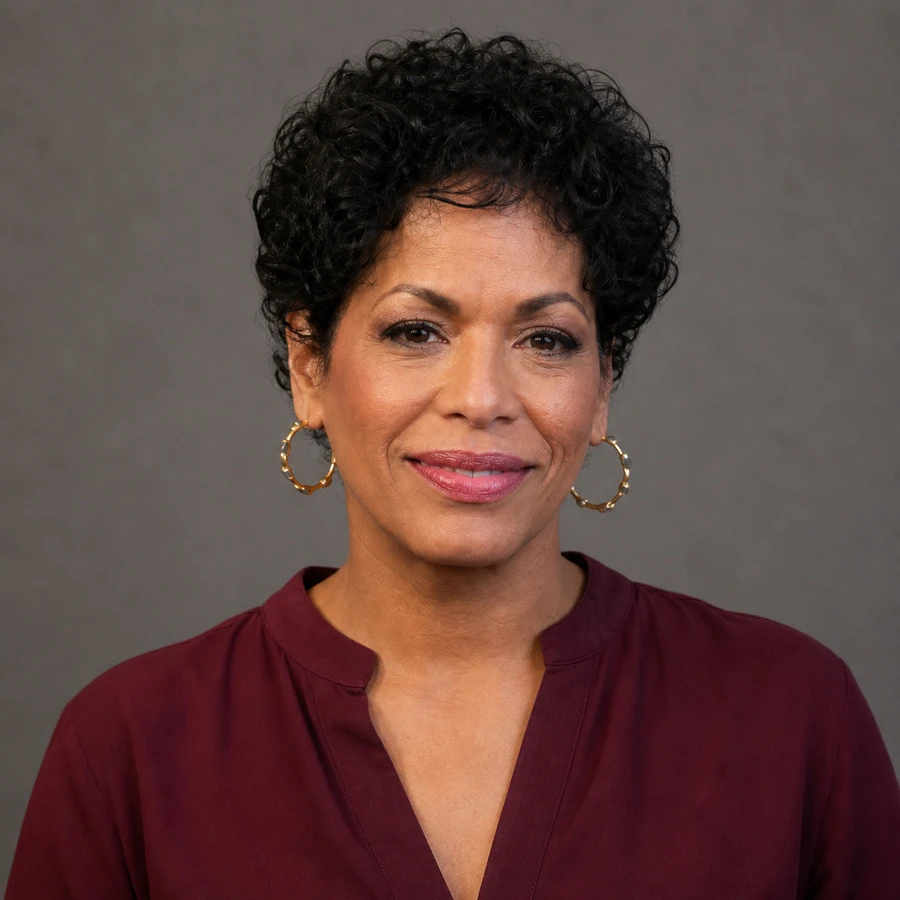
Tina Marrero
Tina is a chef, mother and proud Chicagoan. She studied culinary arts at Kendall College after proving that reinvention has no age limit. Pirelli allows her to combine command, comedy and a very healthy amount of swagger. She dedicates this performance to Louie.

Luca Moretti
Luca is a pastry chef whose work has taken him from London to Copenhagen and Chicago. His performance as Anthony combines patience, optimism and the radical belief that people can still choose a different life. He thanks Marcus for reminding him that getting better can also be fun.

Gollum Sméagol
Gollum has been working in props for many years and takes great pride in his detailed craftsmanship. Known for his unique attachment to certain items, he ensures every object has history and personality. He asks that no one touch the ring on his workstation “for reasons.”
Boromir Hurin
Boromir’s choreography emphasizes power, unity, and heartfelt motion. He believes dance should feel like battle—honest and brave. When not in rehearsal, he teaches movement workshops titled One Does Not Simply Dance Without Purpose.
Gimli son of Gloin
Gimli approaches every set like a fortress—solid, reliable, and proudly crafted. His designs are known for their durability and rich texture, built to withstand even the fiercest performance. He dedicates his work to “the builders who swing the real hammers.”
Legolas Greenleaf
Legolas brings an otherworldly precision and elegance to lighting design. With senses attuned to the subtlest shifts of shadow and starlight, he crafts atmospheres that feel both ethereal and exacting. His work ensures that every moment on stage is seen not just clearly, but beautifully.
Radagast the Brown
Radagast the Brown is a wandering wizard of Middle-earth, known less for grand councils and more for his deep bond with the natural world and its creatures. As a director, he brings a whimsical, instinctive approach to storytelling—favoring growth, chaos, and unexpected magic over rigid structure. His productions are said to feel alive, as if the forest itself had a hand in the staging.























Our Roadmap
Take a look at what is on the horizon for Marquee Digital
We’re introducing a 24-hour demo experience, giving prospective clients the opportunity to explore Marquee hands-on and understand its value in real time.
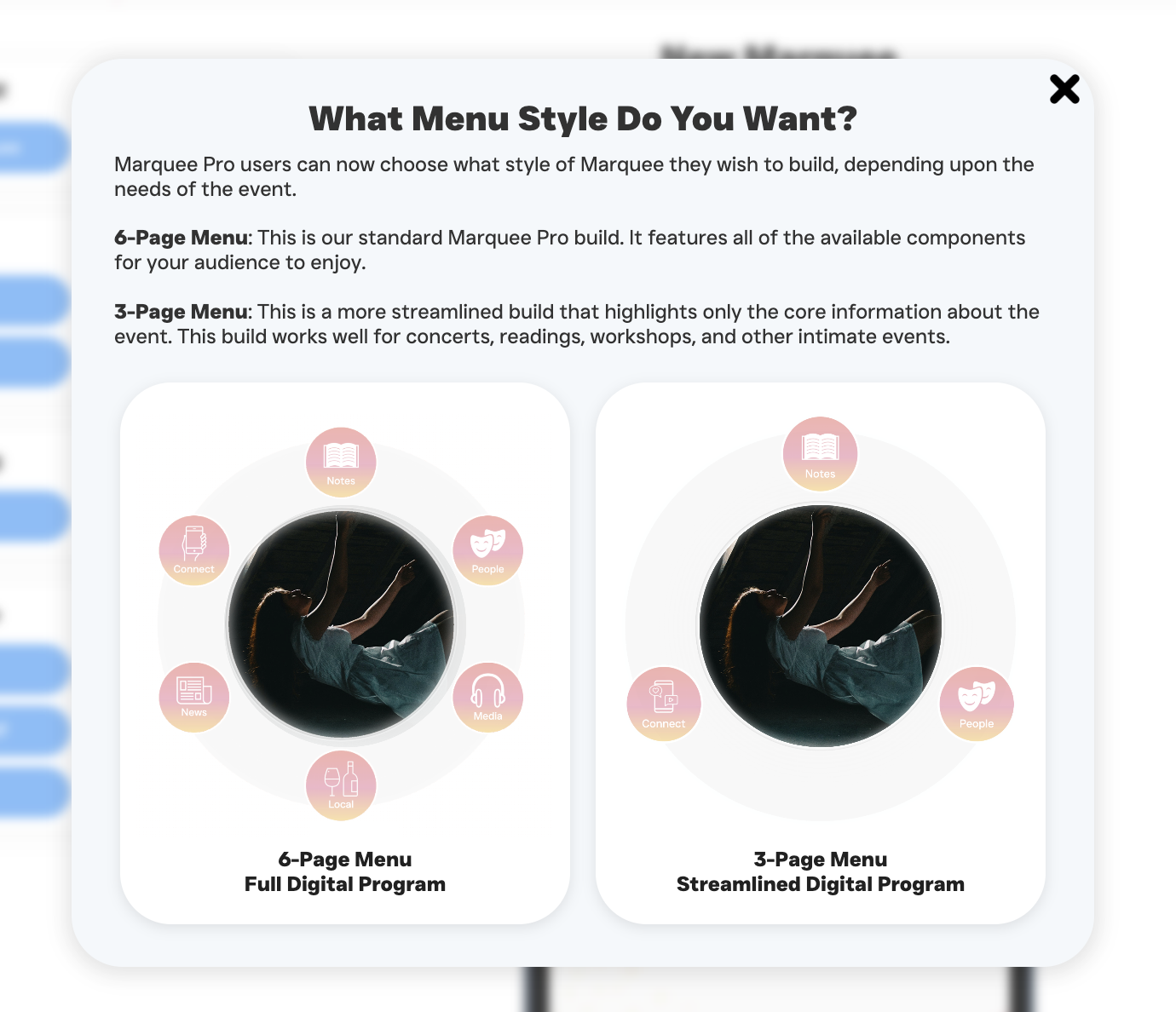
Marquee Pro clients will be able to choose between alternate menu formats, including streamlined 3-option and expanded 6-option menus, allowing each production to present itself with just the right level of detail.
Team Plans will make it easy to add additional seats to an account, supporting collaboration across staff and production teams.
We’re introducing enhanced analytics that provide deeper insight into how audiences engage with each Marquee, helping you better understand reach, timing, and impact.
Clients will be able to set Dark Mode as the default viewing experience for their Marquees, further minimizing audience distraction and improving in-theatre usability.
In collaboration with licensing houses, we’re developing one-click templates for supported shows. These templates will automatically populate essential information such as songs and scenes, licensing details, and required creative billing, streamlining setup while supporting compliance.
A new forum within the member portal will allow clients to suggest and upvote features, share ideas, and connect with one another as part of the growing Marquee community
This quarter will focus on refinement, iteration, and community-driven improvements. Stay tuned as plans take shape.
We’re opening the door to audiences with a new portal that allows patrons to sign in, save their favorite Marquees to a personal collection, and engage more deeply with the Marquee Digital community—plus additional features we’re excited to share as the year unfolds.




.png)
.png)